
How to use a Nigerian Billing Address with a Dollar Card
Getting billing address errors on foreign websites? Here's why checkouts reject Nigerian addresses and how to pay smoothly with the Yanga Platinum dollar card.
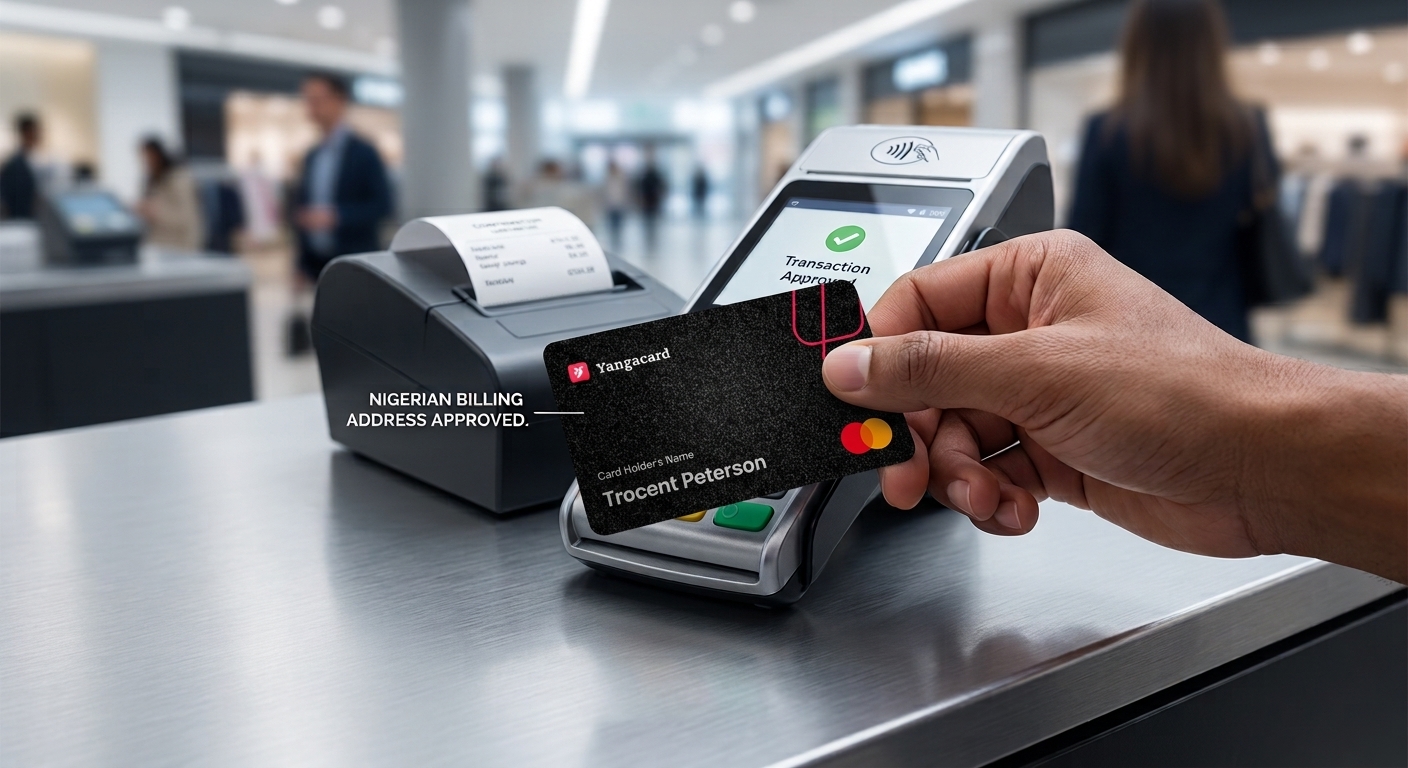
You've typed your card number, expiry and CVV correctly. You hit pay, and the checkout throws back: "Billing address does not match" or "Invalid postal code."
If you pay for foreign subscriptions, software or online orders from Nigeria, you've probably met this error. It rarely means anything is wrong with your card. It usually means the checkout form wasn't built with a Nigerian address in mind.
Here's why it happens, how to avoid it, and why a Nigerian billing address works with the Yanga Platinum dollar card.
Why foreign checkouts reject Nigerian addresses
Most international platforms run an Address Verification System (AVS). It compares the address you type at checkout with the billing address linked to your card. If the two don't line up, the payment can fail even when your card details are perfect.
The usual culprits:
US-style postal code fields. Many forms expect a 5-digit ZIP code. Nigerian postal codes have 6 digits, so rigid forms mark them "invalid."
Region restrictions. Some platforms only accept billing addresses from certain countries, or treat a dollar card with a non-matching billing country as a risk.
Messy address formatting. Commas, slashes and plot numbers like "Plot 12B/C" can break automated matching.
Name mismatches. If the name on the checkout form differs from the name on the card account, some platforms flag it.
Yes, you can use a Nigerian billing address with the Yangaplug Platinum card,
The Yangaplug Platinum card is a physical USD card, and a Nigerian billing address is allowed on it. You don't need a foreign address to pay for global subscriptions, online purchases or in-app payments.
It also lets you link to Apple without changing your region, which is where a lot of Nigerians hit address problems in the first place.
Online payments are approved with an OTP (3DS), and you control the card from the app: freeze and unfreeze it, set your PIN, and set spending limits and channel controls.
How to fill in your billing details so the payment goes through
1. Use the billing details from your YangaPlug app. Open your card details in the app and copy your address exactly as shown. The closer your checkout entry is to what's on the card, the better your chances of passing AVS.
2. Keep Address Line 1 simple. Skip slashes, brackets and extra punctuation. "12 Adeola Hopewell Street" works better than "No. 12, Plot 12B/C, Off Adeola Hopewell St."
3. Match your name exactly. Use the same first and last name that's on your YangaPlug account.
4. Choose Nigeria as the country. Don't change the country to get past a form. Your billing address should stay consistent with the one on the card.
5. If the postal code field rejects yours, don't guess. Check the postal code shown with your card details in the app and enter it as it appears. If the site still won't accept it, contact YangaPlug support before trying random codes, since repeated failed attempts can trigger more declines.
Why this matters for the card you choose
A card that accepts a Nigerian billing address saves you from workarounds: borrowed addresses, changed regions, and failed payments on subscriptions you actually need.
Platinum also does everything a virtual dollar card does, with the extras of a physical card: tap-and-pay, use at any shop, abroad and online, and cash withdrawal.
How to get your Yanga Platinum card
Download the YangaPlug app and sign up with your details.
Go to the card section at the bottom of the app and Tap on Physical Card
Choose the Yangaplug Platinum (USD).
Choose home delivery and enter your delivery address.
Continue to payment.
Delivery takes 3 to 7 days.
FAQ
Can I use a Nigerian billing address with a dollar card on YangaPlug? Yes. The Yanga Platinum card allows a Nigerian billing address.
What should I do if a site says "Invalid postal code"? Check the postal code shown with your card details in the app and enter it exactly as shown. If the site still rejects it, reach out to YangaPlug support.
Does the name at checkout have to match my account name? Yes. Use the exact name on your YangaPlug account to avoid mismatch flags.
Can I use the same card on multiple international sites? Yes. You can use it across foreign sites and subscriptions, and manage limits and channel controls from the app.
Can I use the card with Apple without changing my region? Yes. Yanga Platinum lets you link to Apple without changing your region.
Pay globally without the address drama
Get your Yanga Platinum card in the YangaPlug app and stop letting billing errors decide whether your payment goes through.