
How to Pay for Things Abroad Without Carrying Cash
Here's how to pay for food, rides, hotels and shopping abroad with the Yanga Platinum dollar card, without a wad of cash in your bag.
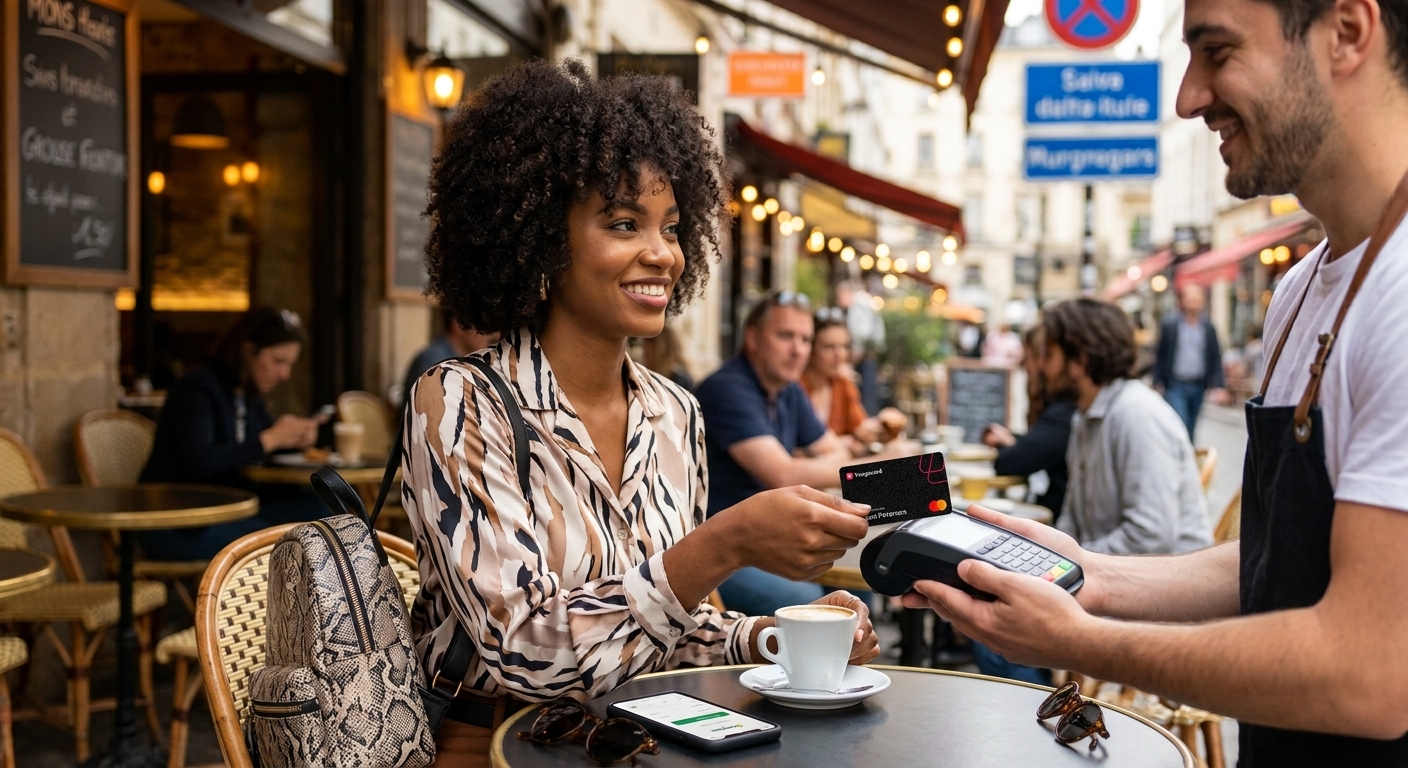
You've booked the flight. The visa is sorted. Now comes the question every traveler eventually asks: what am I actually paying with when I land?
The old answer was cash. Queue at a bureau de change, take whatever rate they give you, and spend the whole trip patting your pocket. It works, until now it doesn't. Notes get lost, rates are rarely in your favor, and some places abroad don't want your cash anyway.
There's a simpler way to do it: a physical dollar card you can tap, swipe or insert like any other card. Here's how that works with the Yanga Platinum card.
Why cash is the wrong default abroad
It's the one thing you can't get back. A lost or stolen card can be frozen. Lost cash is gone.
Exchange rates cost you. Airport and street bureau rarely give their best rate, and you often pay for it twice, once when you convert and again if you have to convert back.
Many places have gone card-first. Some restaurants, transport services and shops abroad prefer card or tap payments, and a few barely handle cash at all.
Big deposits are awkward in cash. Hotels and car rentals often ask for a card to hold a deposit.
What to pay with instead: the Yangaplug Platinum card
The Yangaplug Platinum card is a physical USD card. It does what your virtual dollar card does, and the physical card perks on top:
Pay at shops, restaurants and terminals abroad by tap, chip or swipe
Pay online for subscriptions, bookings and global purchases
Withdraw cash when you need small notes for tips, markets or street vendors
Link to Apple without changing your region
Use a Nigerian billing address
Approve online payments with OTP (3DS)
Everything is managed from the app. You can freeze and unfreeze the card, set your PIN, set spending limits and control which channels it works on.
Virtual or physical: which one for what?
They're not rivals. Use the virtual card for online payments before you travel: flights, hotels, subscriptions. Use the physical card for everything you do in person once you land. If you only want one for the trip, the physical card covers both.
Smart habits when paying abroad
Always pay in the local currency. If a terminal asks whether to charge you in naira or the local currency, choose local. Letting the merchant convert usually costs you more.
Set your limits before you fly. Open the app and set a spending limit that fits your trip. If something goes wrong, you've already capped the damage.
Know your freeze button. If the card goes missing, freeze it from the app straight away. Unfreeze it if you find it.
Fund the card before you leave. Don't wait until you're at a checkout in another time-zone to top up.
Keep a small backup. A little emergency cash is fine. It just shouldn't be your whole plan.
How to get your Yangaplug Platinum card
Download the YangaPlug app and sign up with your details.
Go to the card section at the bottom of the app. Tap on Physical Card
Choose Yangaplug Platinum (USD).
Choose home delivery and enter your delivery address.
Continue to payment.
Delivery takes 3 to 7 days, so order before you start packing, not the night before your flight.
FAQ
Can I use a Nigerian billing address with the Yangaplug Platinum card? Yes. A Nigerian billing address is allowed.
Can I use the card abroad? Yes. Yangaplug Platinum is a USD card built for global payments, both in person and online.
Can I withdraw cash with it? Yes. Cash withdrawal is one of the physical card perks, useful for small cash needs on a trip.
What if the card goes missing? Open the app and freeze it instantly. Unfreeze it if you find it.
How long does delivery take? 3 to 7 days after you order.
Should I get a virtual card too? The physical card does everything the virtual card does. If you also want a separate card for online payments, you can create a virtual dollar card in the app.
Travel light
You don't need a pocket full of notes to enjoy a trip. Get your Yangaplug Platinum card in the YangaPlug app and sort your payments before you pack.